Creation guide
Your concept. A shared symbol.
Create with your own AI account, then bring your symbol into AgentiScript.
Open Create & Share1. Choose your concept
Enter a term in Create & Share and search first. If a published record fits, use that reference. Otherwise start a new draft. Concepts can come from work, a community, or something fun.
2. Confirm its meaning
Check the definition before creating a symbol. Known concepts may have a saved meaning; new concepts need a definition you can verify. You may use your own AI tool to help write a draft, then check its sources and confirm it here. Do not silently change an existing published meaning: corrections preserve earlier versions and require authorized review.
3. Take the creation kit
In Create your symbol, copy the complete prompt and download the creation-kit ZIP. It contains your confirmed concept and meaning, the four original reference PNGs, rendering specifications, historical tested API settings, instructions, and file checksums.
Use Payment-Gated, Escrow Account, Fishing Charter, and Software Patent as rendering references. Their subjects are not templates to copy into unrelated concepts.

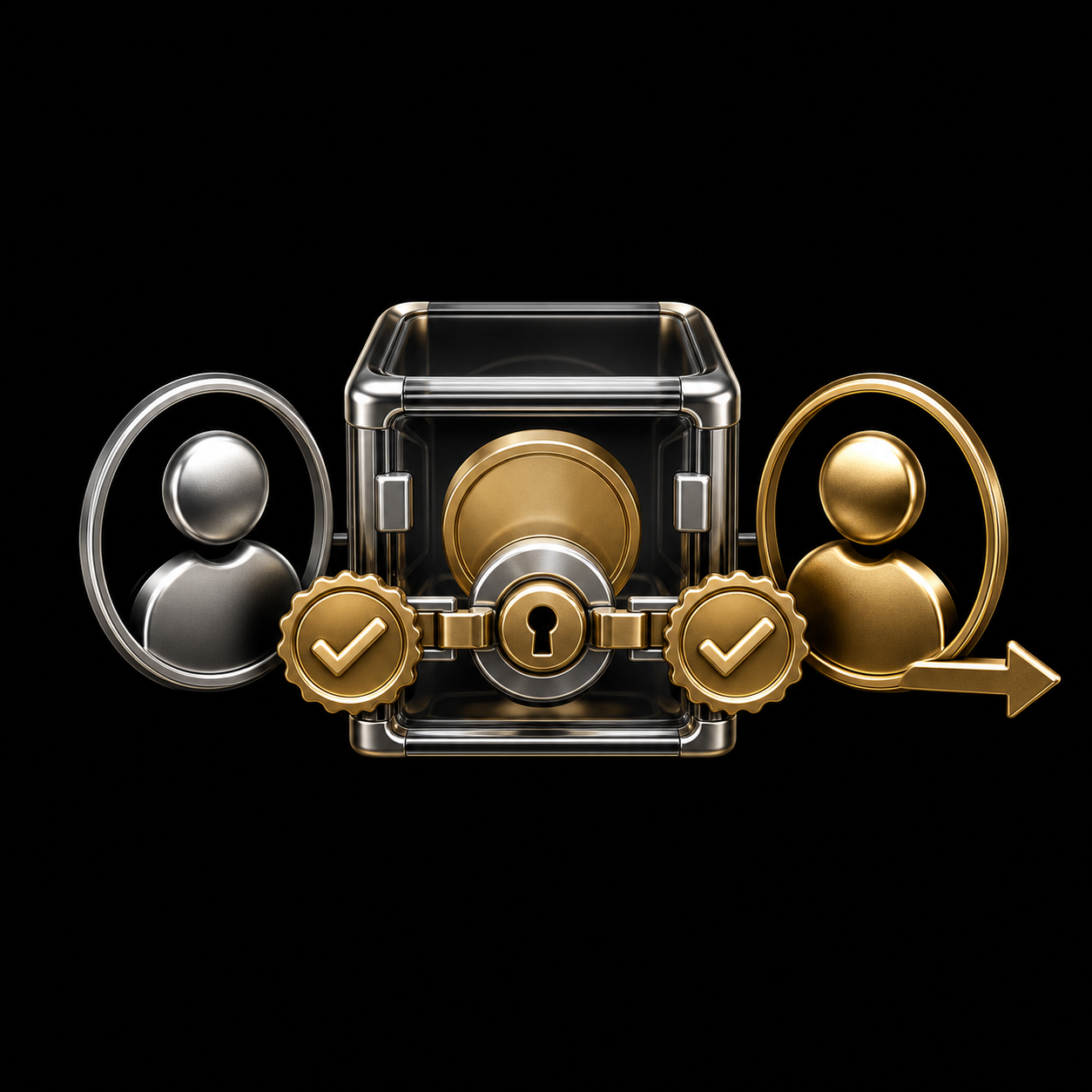
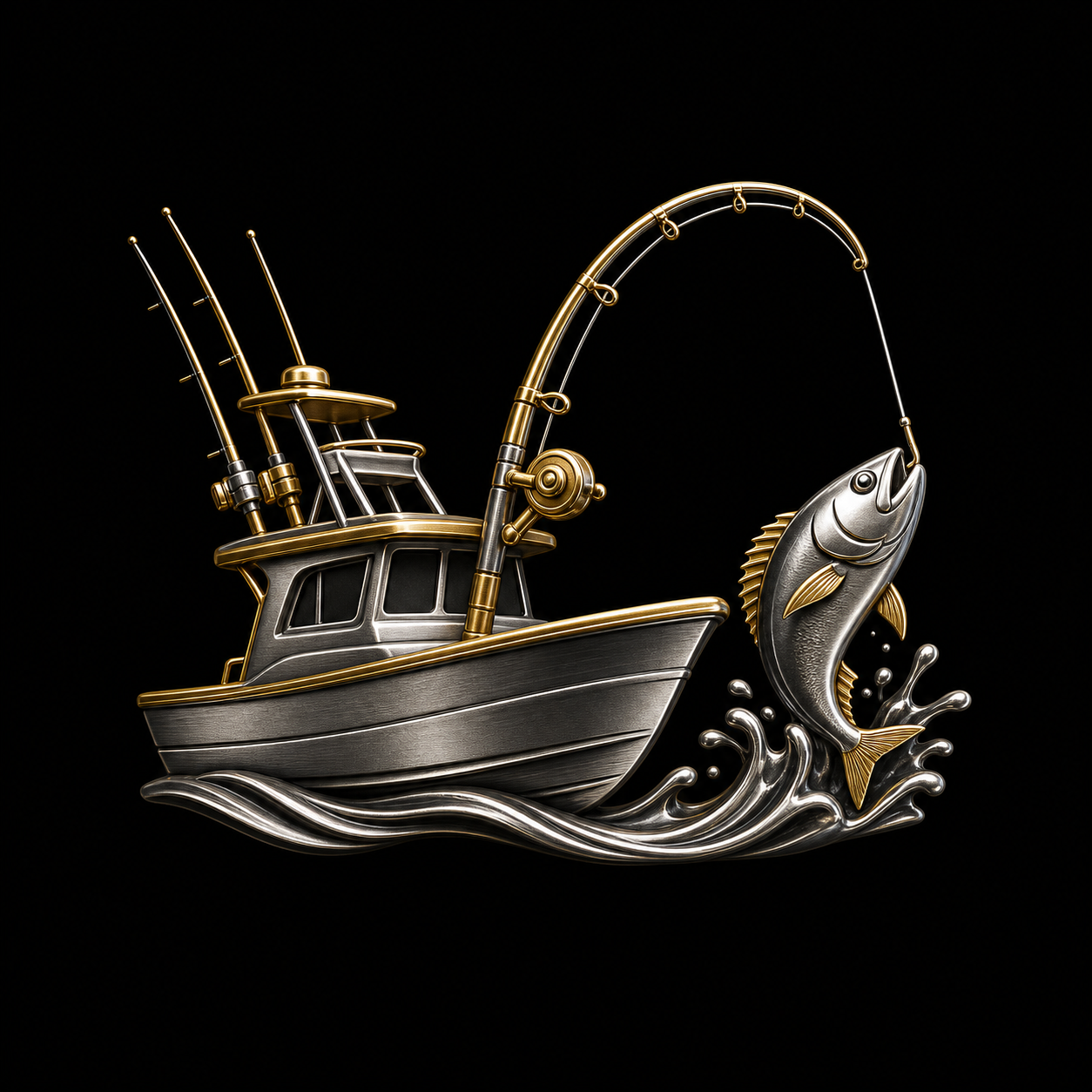

Computer: extract the ZIP in Downloads. Phone or tablet: extract it with Files/Downloads. Individual PNG links are available if your device cannot extract ZIPs.
4. Create and save the PNG
Open ChatGPT Images with your own account on the web, iOS, or Android. Attach the four reference PNGs separately, paste the creation prompt, and request one square PNG. No local model installation or powerful hardware is required.
Read the official image instructions and file-upload limits. Some accounts cannot attach all four references within their available allowance. Wait for the allowance to reset or use a compatible account; do not omit references. Another tool must accept multiple image references and export PNGs; its output has not been verified against the AgentiScript standard.
Open the generated image and choose Save/download. Keep the original PNG in Downloads, Files, or Photos as supported. Do not use a screenshot or rename another format to .png. The API settings document the tested connection; consumer tools may not expose those controls or the same model. Identical output is not guaranteed.
AgentiScript’s instructions and Catalog access are free. Outside providers control their own charges, quotas, terms, and data handling. Copying the prompt or opening a provider link sends none of your draft automatically.
Buy a symbol pack
Card packs of 1, 5, and 15 symbols cost $1.99, $4.99, and $9.99. XRP packs cost the equivalent of $1.79, $4.79, and $9.79. Checkout shows the exact XRP amount before payment.
Confirm your definition in Create & Share, choose a pack and pay. Save your private order link to recover your original PNG in the same browser. Rights-cleared symbols publish after screening. Uncertain entries stay private for review.
Optional: your own OpenAI API account
This is a downloaded computer tool, not an on-site account connection. The ordinary image-tool route above works on a computer, tablet, or phone without this runner.
The optional downloaded kit supports a free dry run. You can download and check the kit without a key or charge.
- Confirm your meaning in Create & Share. In Create your symbol, choose My own OpenAI API account and download your kit.
- Extract the ZIP. Install Node.js 22.23.4 or newer from its official website if needed. In Terminal on Mac/Linux or PowerShell on Windows, open the extracted folder and run
node own-api.mjs --dry-run. It verifies the exact prompt, settings, meaning, and all four reference hashes without asking for a key. - The prepared
--generatecommand currently stops before key entry or a request. When separately enabled, it would require confirmation and a hidden local key prompt. The API project associated with that key would be billed by OpenAI. The runner cannot identify the key owner or verify available funds, and never uses an AgentiScript account. - After a separately authorized successful request, the original PNG would be saved as
agentiscript-symbol.png. Return to Choose image in Create & Share, upload it, preview it, and download the unchanged original. - Review the confirmed meaning, symbol, sources, credit, and reuse permissions. Complete the contribution: qualifying public records publish automatically; select Keep private beforehand for the exception. Uncertain results remain held. A valid PNG is not proof of style or meaning.
The downloaded runner keeps its key local and sends it directly to OpenAI. Do not put a key in a command argument, URL, kit, chat, or receipt. Paid on-site packs use AgentiScript’s account.
If a separately authorized request is interrupted, keep the attempt folder and run node own-api.mjs --recover. This makes no provider call. Without a saved response, the outcome and charge may be unknown; check usage instead of generating again. One attempt per extracted kit is not an account-wide quota or a guaranteed dollar limit.
OpenAI API keys · Your API usage · Official Images API. Do not enter a real key while this route is inactive. For paid on-site creation, choose a symbol pack in Create & Share.
5. Upload and check
Return to the same Create & Share page and choose the saved PNG. For a browser-only draft, download the editable draft and original PNG as separate files. Select the PNG again when you reopen the downloaded draft.
Review the symbol and definition together. Does the image communicate the confirmed meaning and match the approved style? Check sources, credit, and reuse rights. Do not claim rights you do not have. Open concept symbols and protected company references have different permissions.
The hosted checks decode PNGs, reject invalid files, require a confirmed meaning, and check source-link format and declared permissions. They hold exact duplicates and flag possible visual copies. Unfamiliar public uploads stay held while automated checks for meaning and visual style are being validated. A held contribution may need a correction. Confirm the meaning and permissions before resubmitting. The hosted contribution route requires an original PNG.